


When purchasing an SSD, many people tend to judge the performance based on the MB/s advertised by the manufacturer. Of course, this is important as it represents the amount of data the drive can transfer per second, but it mostly reflects the SSD’s ability to handle large file sequential read/write operations. This is particularly meaningful for designers or editors who need to handle large images or videos.
For most users, in daily use or gaming, encounters with large file reads/writes are rare. More often, they encounter small file random read scenarios, such as system calls and game loading. In this case, using MB/s as a unit to measure the SSD’s random read performance is inadequate.

Considering that during small file random read/writes, the data blocks are relatively small in size, it is more accurate to measure how many operations can be performed per second (IOPS) rather than how much data can be read or written per second (MB/s). IOPS stands for Input/Output Operations Per Second, which translates directly to the number of input/output operations per second. Like MB/s, a higher value indicates better SSD performance, meaning more tasks can be completed in the same amount of time.

Some SSD product pages list this value, but many do not. If you want to understand the performance of your SSD in this regard, you can use common hard drive benchmark software like CrystalDiskMark, AS SSD, or ATTO to test it.
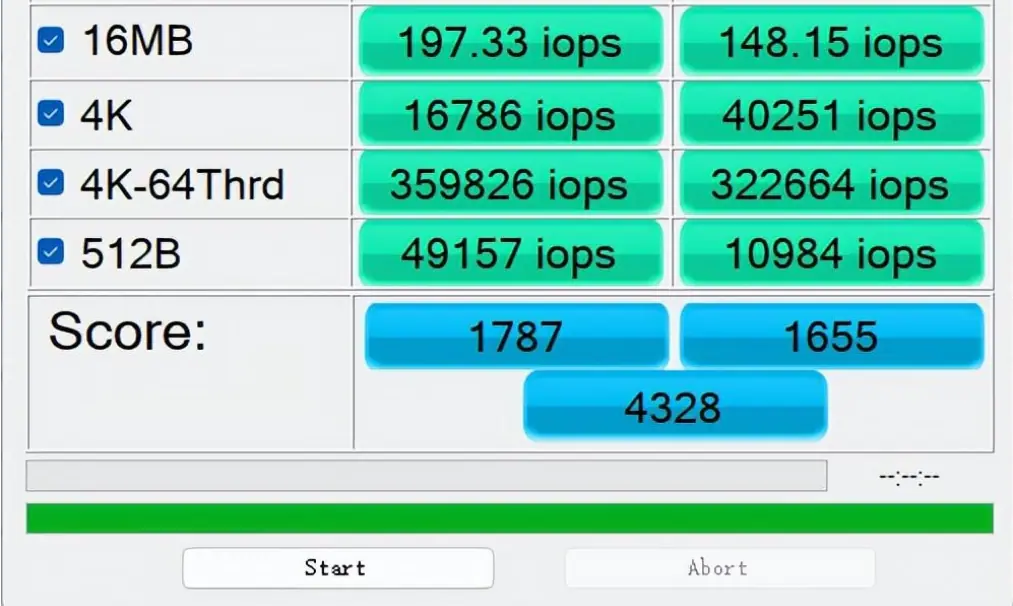
However, note that many factors can affect IOPS testing, such as file size and number, which impact IOPS, and different interfaces can also affect test results. It’s worth mentioning that the SSD capacity size also impacts IOPS; even within the same brand and model, higher capacities often have higher IOPS values.
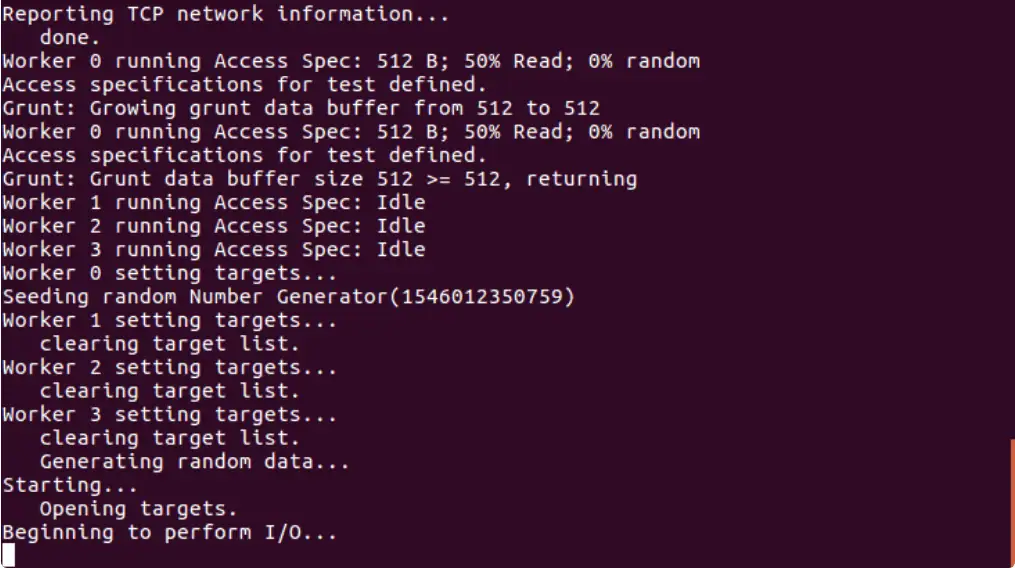
If you are more hands-on, you can use more professional software to test SSD IOPS, such as IoMeter or FIO. Although it has a GUI version for Windows, for more accurate test results, it is recommended to use a cleaner Linux system.
In summary, IOPS refers to the number of times an SSD reads/writes files per second, which better reflects SSD performance in small file operations compared to MB/s. During everyday computer use, we often encounter scenarios where the SSD reads/writes small files, such as system startup, opening software and games, browsing the web, etc. Therefore, for most people, the IOPS value of an SSD is more meaningful compared to MB/s, and the higher this value, the better.
Related:
- 5 Reasons to Upgrade Your PC HDD to SSD Now!
- Why Two SSDs Are Better Than One: 3 Key Reasons
- SMI Launches SM2322 Controller for Portable SSDs
- Understanding TOPS: AI Performance Measurement Unit

Disclaimer: This article is created by the original author. The content of the article represents their personal opinions. Our reposting is for sharing and discussion purposes only and does not imply our endorsement or agreement. If you have any objections, please contact us through the provided channels.