


Now, many experienced PC gamers want to reduce all sources of game latency, whether from input devices like keyboards and mice or from the display.
In response to this, the AMD GPUOpen team has decided to develop a dedicated software called Frame Latency Meter (FLM), which allows gamers to detect response times of inputs such as mouse movements in games, thereby optimizing the overall gaming experience.
This tool is particularly suitable for advanced gamers, power users, and game developers who are keen on optimizing system latency or reducing input lag.
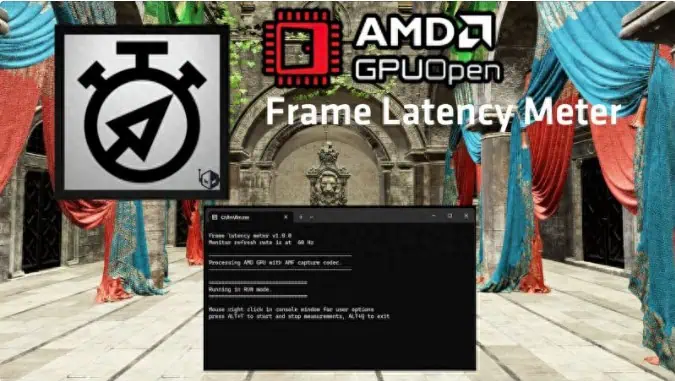
FLM is widely compatible and can be used with any AMD, NVIDIA, or Intel GPU that supports DirectX 11 or higher. For data capture, AMD GPUs use advanced media frameworks or AMF encoders, while other GPUs use DirectX Graphics Infrastructure or DXGI encoders. FLM can generate detailed latency and effective frame rate statistics, which can be exported to CSV files for further analysis.
FLM measures latency by continuously capturing frames and comparing each frame with the previous one within a selected area. It then uses standard Windows functions to generate mouse movement events and waits for changes in frame content. The time between mouse movement and detected frame change is recorded as latency.
To obtain clearer values, FLM averages 16 latency measurements per line, but can average more measurements for higher precision. Since FLM does not require muzzle flash to measure latency, it allows fast, repeatable measurements without worrying about running out of ammunition, enabling applications to autonomously collect unlimited samples for higher accuracy.
The software also offers some degree of customization, allowing users to measure latency based on mouse movements or clicks. Users can specify frame capture areas and choose between small samples, continuous accumulation, or constant measurement tables. It also supports frame generation technology, although compatibility with all games supporting the latest FSR 3 or DLSS 3 is currently unclear.
You can now download this software from the AMD GPUOpen website. Alternatively, you can simply message “FLM” to us directly to get this software.

Disclaimer:
- This channel does not make any representations or warranties regarding the availability, accuracy, timeliness, effectiveness, or completeness of any information posted. It hereby disclaims any liability or consequences arising from the use of the information.
- This channel is non-commercial and non-profit. The re-posted content does not signify endorsement of its views or responsibility for its authenticity. It does not intend to constitute any other guidance. This channel is not liable for any inaccuracies or errors in the re-posted or published information, directly or indirectly.
- Some data, materials, text, images, etc., used in this channel are sourced from the internet, and all reposts are duly credited to their sources. If you discover any work that infringes on your intellectual property rights or personal legal interests, please contact us, and we will promptly modify or remove it.