


In today’s digital age, USB flash drives have become indispensable tools for storing and transferring data. However, a common and often overlooked practice is leaving the USB drive plugged into the computer continuously. This article delves into the potential dangers of this habit and why it’s essential to avoid it.
01
Why You Shouldn’t Keep Your USB Drive Plugged In
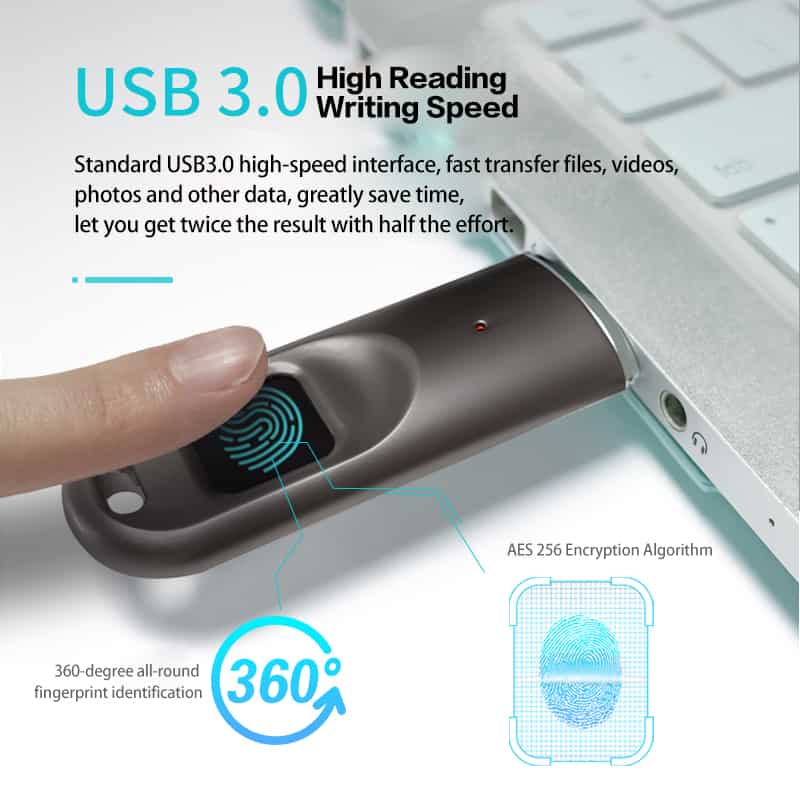
USB drives should not be kept plugged into the computer for extended periods due to several risks they pose, both to your computer and the USB drive itself. Let’s explore these risks in detail:
1. System Resource Occupation
Leaving the USB drive connected to your computer continuously occupies valuable system process resources. This can have a detrimental impact on your computer’s startup and operational speed, subsequently affecting your overall work efficiency. To maintain a smoothly functioning computer, it’s essential to unplug the USB drive when not in use.
2. Potential Damage to USB Drive
USB drives are not designed for continuous operation. Keeping them plugged in means they receive power consistently, and without proper heat dissipation measures, this can damage the chips within the USB drive. Such damage can lead to reduced performance and, in the worst-case scenario, result in file or data loss.
3. Malware Threat
If your computer becomes infected with malware, leaving the USB drive connected perpetually can lead to the USB drive becoming infected as well. Malware can easily transfer from the computer to the USB drive, potentially compromising your data and spreading the infection to other systems.
4. Data Security
Leaving your USB drive plugged into the computer makes it accessible to anyone with physical access to the computer. This poses a significant security risk as it becomes much easier for unauthorized individuals to copy, modify, or steal the data stored on the USB drive. To safeguard your data, it’s crucial to disconnect the USB drive when it’s not actively in use.
02
Conclusion
In conclusion, the practice of keeping a USB drive plugged into your computer continuously can have severe consequences. It not only affects your computer’s performance but also puts your valuable data at risk. To ensure the longevity of both your USB drive and your computer, it is strongly recommended to safely eject the USB drive after use. This simple practice can help prevent the potential dangers associated with leaving it connected indefinitely.
03
Frequently Asked Questions (FAQs)
Q1. Can I leave my USB drive plugged in when I’m using it regularly?
It’s generally safe to leave your USB drive connected while actively using it. However, it’s advisable to safely eject it when not in use to prevent potential risks.
Q2. What are some signs that my USB drive might be damaged from continuous use?
Signs of USB drive damage include slower performance, error messages, or difficulty accessing files. If you notice any of these, it’s wise to disconnect the drive immediately.
Q3. How can I protect my USB drive from malware when connected to my computer?
Installing and regularly updating antivirus software on your computer is a good practice to protect both your computer and any connected devices, including USB drives.
Q4. Are there any alternative storage options to USB drives that are safer for continuous use?
External hard drives and cloud storage services are alternative options that are better suited for continuous data storage and backup.
Q5. Is there a safe way to keep my USB drive connected for longer periods without risking damage or data loss?
It’s recommended to unplug your USB drive when not in use. However, if you need extended storage, consider using an external hard drive designed for continuous operation.

Related: